
How to build a smart meeting structure - and save hours with e-signing
Being on a board is important - but often time-consuming. Research shows that boards spend a lot of time on meetings and communication, and that much of this is wasted when the structure is not right. A well thought-out meeting structure, combined with e-signing, allows you to have shorter and more productive meetings, reduce duplication and improve decision follow-up.
Why meeting structure
matters
- Less time wasted: Microsoft's Work Trend Index shows that, on average, employees spend 57% of their time on communication (meetings, emails, chats). Clear agendas, roles and decision points help you shift time from 'talking' to 'creating'.
- Fewer spontaneous meetings: The proportion of spontaneous or late meetings increases, fragmenting the focus. A common, predictable meeting cycle (month/quarter) creates calm and better preparation.
- Meetings have gone over time: Meetings that lack a clear and continuous structure tend to go over time without producing further results.
The essence of a clear meeting structure
- Annual wheel + meeting calendar: Set an annual wheel. Put the entire year's board meetings in the calendar now. Have a shared digital calendar that sends automatic reminders via both SMS and email.
- Agenda with timeboxes: link each item to purpose, decision-making basis and time window (timeboxing). Timeboxing is an established method to increase focus and reduce procrastination.
- Decision log + responsibility: Directly in the minutes: decision, responsible, deadline, follow-up date.
- Common document room: a place for notices, agendas, documents, minutes and history - easy for new members to access.
E-signing: faster decisions, less hassle
- Less administration: Independent analysis shows that digital signing dramatically cuts the time spent on administrative work - in some cases by days to weeks. For a board, this means faster signed minutes, contracts and receipts - without printing, scanning or chasing signatures.
How to connect the meeting structure and
e-signing (step-by-step)
- Before the meeting:
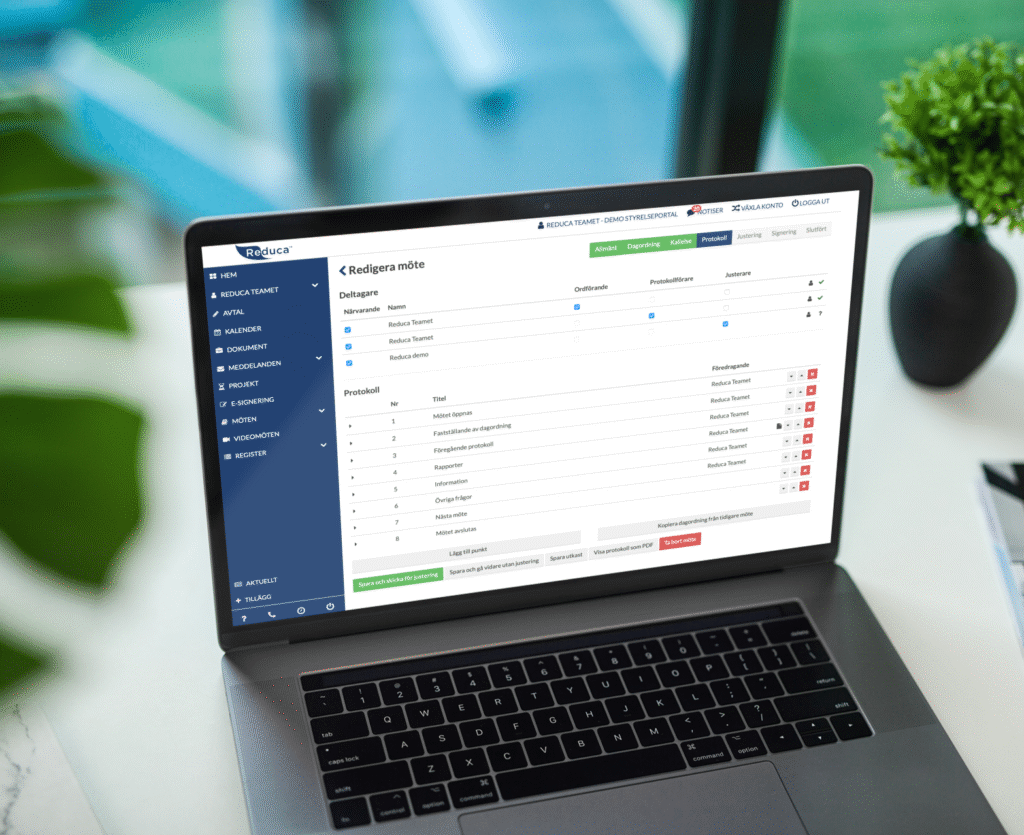
- Create agendas, add documents and send out notices directly from your digital meeting room.
- Prepare a protocol template with decision points, time and responsibilities directly in the document.
- During the meeting:
- Follow the agenda within the planned timeframe; avoid sidetracks.
- Make decisions in the moment and fill in the decision log live.
- After the meeting (within 24-48 hours):
- Finalize the minutes, send for e-signature to signing parties.
- Once signed: automatically archive in a clear and searchable view.
Measure for real: Follow the work process from meeting → signed minutes and compare with previous ways of working.
Common barriers - and how to overcome them
- "We don't have time to prepare" → Annual cycle + fixed meetings + send out notice with meeting documents in time + have a clear agenda.
- "Not everyone is there" → digital meetings + e-signing work regardless of location and time; especially valuable when meetings take place from different physical locations, sometimes across time zones and in the evening.
- "Is it safe/legal?" → Yes, choose the level of signature based on the content of the document. Follow the organization's attestation rules.
Executive summary
A clear, consistent meeting structure makes meetings shorter and more productive. Adding e-signatures reduces administrative work and eliminates paper, scanning and chasing signatures.
The result: more time to develop activities and fulfill the mission.
Want to see how it works in practice with the Reduca Board Portal?
Book a free demo of the Reduca Board Portal here.
Afterwards, you can test it for free without any commitment - and measure how much time you save.
