
How a community uses the Board Portal
To become an effective, sustainable and safe association, tools are needed, especially for the board, which set the foundation for the entire organization. The Board Portal is developed to streamline and facilitate board work. Here, a community association describes how they use the Board Portal and how it has facilitated their work in their association.
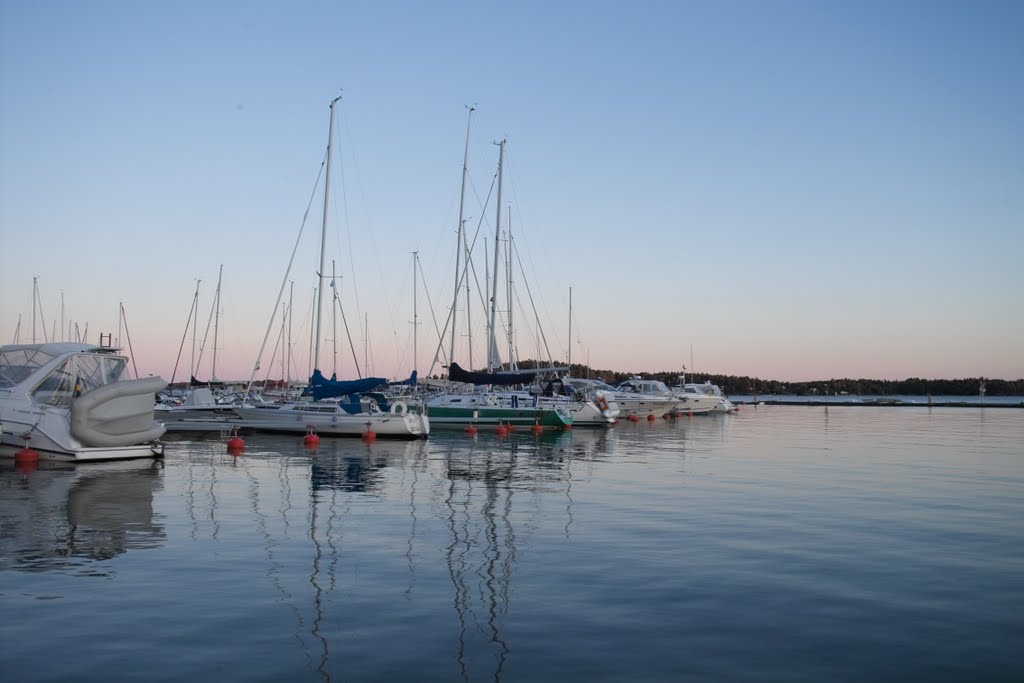
Skärgårdsstad samfällighetsförening is a residential area north of Åkersberga on the coast. The area consists of about 260 hectares of scenic land with green, forest and water areas that were developed in the late 80s for permanent housing, about 185 hectares, of which 101 hectares of forest, green areas, swimming areas, own fishing waters and a road network of about 1.8 miles. Today, Skärgårdsstad consists of about 645 properties and has just over 2500 residents, making the community one of the largest in Sweden.
The board of Skärgårdsstads Samfällighetsförening consists of 5 members and 3 deputies. The board is tasked with managing and developing the joint facilities in the interests of the members and in accordance with the statutes, facility decisions, detailed plan and established policies.
The community owns land and road networks, which means that management and maintenance are priority tasks for the board. The largest items are the road network, forest and green areas, where the board partly uses external contractors for road maintenance, snow removal, paving work, forest management and maintenance of green areas.
- "With the Board Portal, we have become more efficient at keeping track of our various projects, there are five-year plans for all management and maintenance, and the follow-up of projects has become much easier," says chairman Stefan Jonsson of Skärgårdsstads Samfällighetsförening.
In the Board Portal, it is possible to create projects large and small. You can set start and end dates, get automatic reminders for deadlines, attach documents, appoint managers and write comments. It creates a good structure and provides an overview of all ongoing, completed and upcoming projects. It greatly simplifies project management in the Board.
- Since we introduced Reduca, we have become much more efficient and it has really simplified our work in the board, says Stefan Jonsson, chairman of Skärgårdsstads Samfällighetsförening.
In the Board Portal, it is possible to sign board minutes, decision documents and agreements with BankID, which makes board work more efficient and saves time that would otherwise be spent on unnecessary administrative work. The board can also store all important documents in one place that can be accessed by board members wherever they are, which creates a sustainable and smooth board work.
- The board portal really simplifies our work with signing board minutes and decisions, and we can store important documents such as statutes, construction decisions, detailed plans, general meeting decisions, notices and much more, says chairman, Stefan Jonsson.
How community association boards use the Board Portal
- Digital Meetings - One of the board members creates an agenda directly in the Board Portal, attaches any appendices and sends out the notice well in advance of the board meeting so that all board members can take part in items and documents in one place. Based on the agenda, the basis for the minutes is then created, it is easy to choose who will be the minute taker, adjusters and who will sign. After the meeting, the minutes are sent out by email to the chairman and the adjusters who can make amendments that are easily added to the minutes by the minute taker. Finally, the minutes are sent out by e-mail for electronic signing with BankID. Once the minutes have been signed by everyone, they can be found in the Board Portal.
- E-signature - The Board uses e-signature to sign annual reports, contracts with suppliers, key receipts and minutes. The Board uses BankID but it is also possible to sign by e-mail only. It is possible to sign with users in the portal but also with external persons without giving access to the Board Portal.
- Document storage - This is where the Board collects all documents allowing all Board members to access the material wherever they are. The Board uses the automatic deletion of sensitive documents and shares documents on a scheduled basis via a link with the auditor or similar if necessary.
- Board calendar - One of the board members is responsible for setting up an annual planning with all important dates such as dates from the tax office, the company office, the financial office and the auditor. Important dates are also added within the organization so that everyone or those responsible receive reminders via email and text message before activities.
- Contract management - A board member collects all active contracts and enters them in the Board Portal under monitoring and assigns responsibilities within the board. Responsible parties receive reminders via email and text message when it is time to renegotiate a contract. The organization then makes sure to divide the board into different areas of responsibility such as finance and technology, which usually leads to reduced costs for the organization and that everyone feels involved and knows their responsibilities.
- Project management - A member of the board assigns responsibilities within the board by setting up different projects. Here, a start and end date is set, status, cost, priority and attachments are attached. Those responsible for each project receive automatic reminders via email and SMS before deadlines.
Do you also want to make your board work easier and more efficient?
Book a demo and try the Board Portal for 30 days free of charge with no strings attached.
During a demo you will:
- Review of the platform's features.
- Answers to questions and concerns.
- Tips on how to run your board work in a smart way with the Board Portal.
